Zencount has three things you’ll reach for constantly: the sidebar (where you are), the version switcher (which numbers you’re looking at) and the currency selector (how they’re shown). Once those click, the rest follows.
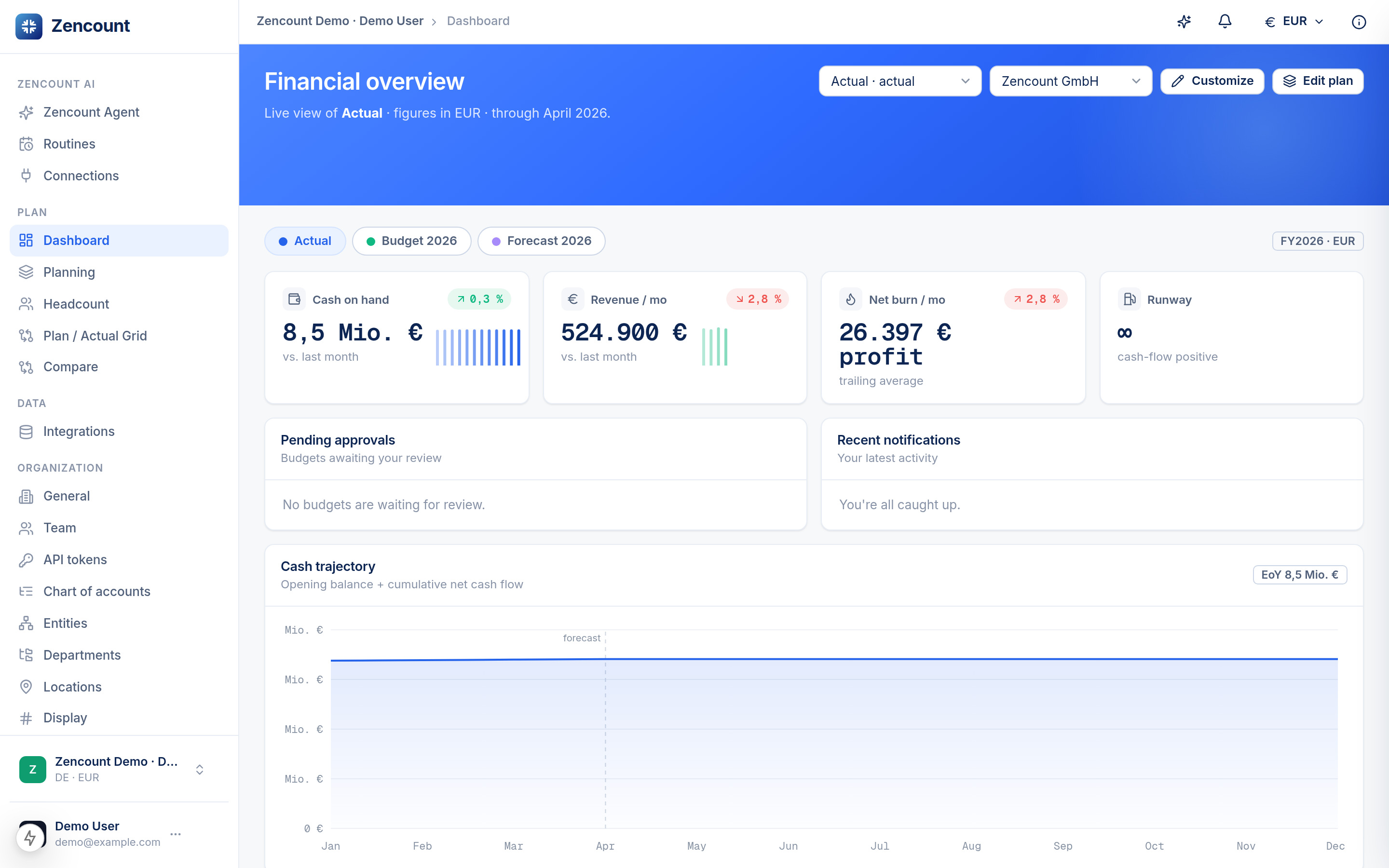
The sidebar
It’s grouped by what you’re doing:
- Plan — Dashboard, Planning, Headcount, the Plan / Actual grid, Compare.
- Data — Integrations (your real numbers).
- Organization — accounts, entities, departments, locations, team and settings.
The version switcher
Most planning screens have a version picker at the top. Switching it changes which numbers you see — Actual, a Budget, a Forecast or a scenario — without leaving the page.
Currency
The currency selector in the top bar controls how figures are presented. Each entity also has its own functional currency — see Entities.
Next steps
- Create your first plan.
- Read your KPIs off the dashboard.