People are usually the biggest line in the plan, so Zencount models them as a roster, not a lump sum. Add roles to a version with start dates and FTE; the payroll lands automatically on your salary account in Planning — one line per position per month.
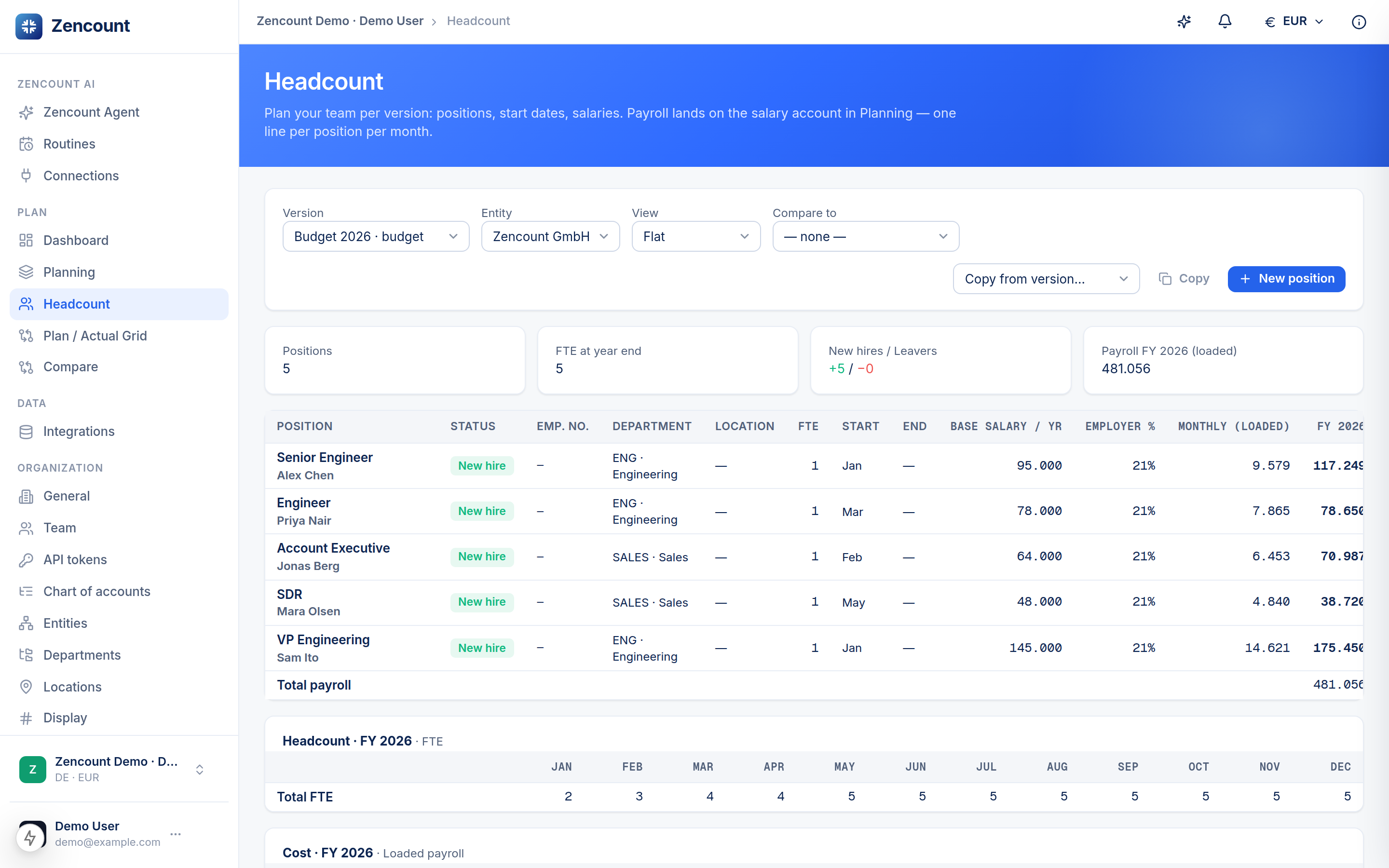
Add a position
- Open Headcount and pick the version. The Entities filter takes several at once — picking a parent includes its whole subtree, so a group with subsidiaries reads as one roster (an Entity column appears). Use the search box above the table to find a person or role, and click any column header to sort.
- + New position opens the person editor: a header for who this is (name, employee number, type) over one time-slice — two lines holding the from-month, base salary, employer %, FTE, role, department, location and variable %. Set FTE to e.g. 0.5 for part-time.
- Planning a change over time? Hit Add change — pick the month it takes effect and adjust what changed (the new slice is prefilled from the one above). A raise, a promotion, an FTE change or a move is one click; the old slice automatically ends the month before. Each slice runs until the next one begins — only the last slice takes an explicit Until month (a departure). An employee number is required once a person has more than one slice.
Editing anyone opens their whole timeline at once, so you see the salary bump in July next to last year’s FTE change — and it all saves together. Set up a budget once, then copy from version to start next year’s headcount or a what-if scenario.
It flows into the plan
Each position expands into monthly loaded cost on the salary account, so the P&L and cash update as you hire, ramp or change FTE — no double entry.