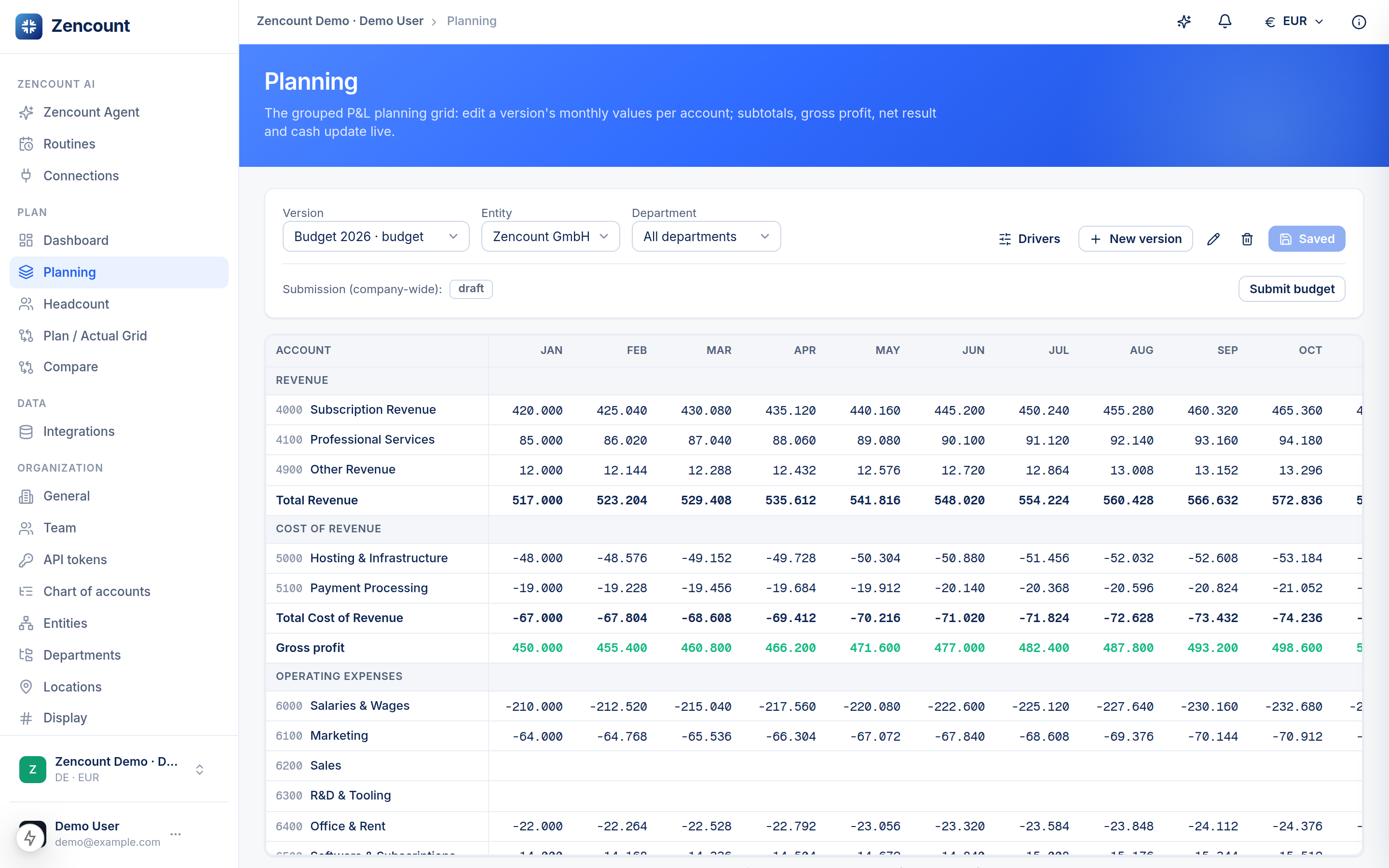
A version is one named set of numbers over your account structure. Plan, forecast, scenario and reality are all versions of the same model — which is what lets you compare any two with zero re-mapping.
Types of version
- Actual — where imported real figures land (one per workspace to start).
- Budget — your approved annual plan.
- Forecast — your rolling latest view.
- Scenario — “Base”, “Growth”, “Worst case” what-ifs.
Copy from another version
Starting a forecast from your budget? Create the version and copy from an existing one, then adjust — no need to re-enter the whole year.
Lock an approved plan
Once a budget is signed off, lock the version. A locked version stays fully visible and comparable — it just can’t be edited (including headcount) until you unlock it.
Locking protects the number everyone agreed on. Build the next forecast as a new version rather than editing a locked budget.
Next steps
- Compare two versions.
- Plan your headcount on a version.