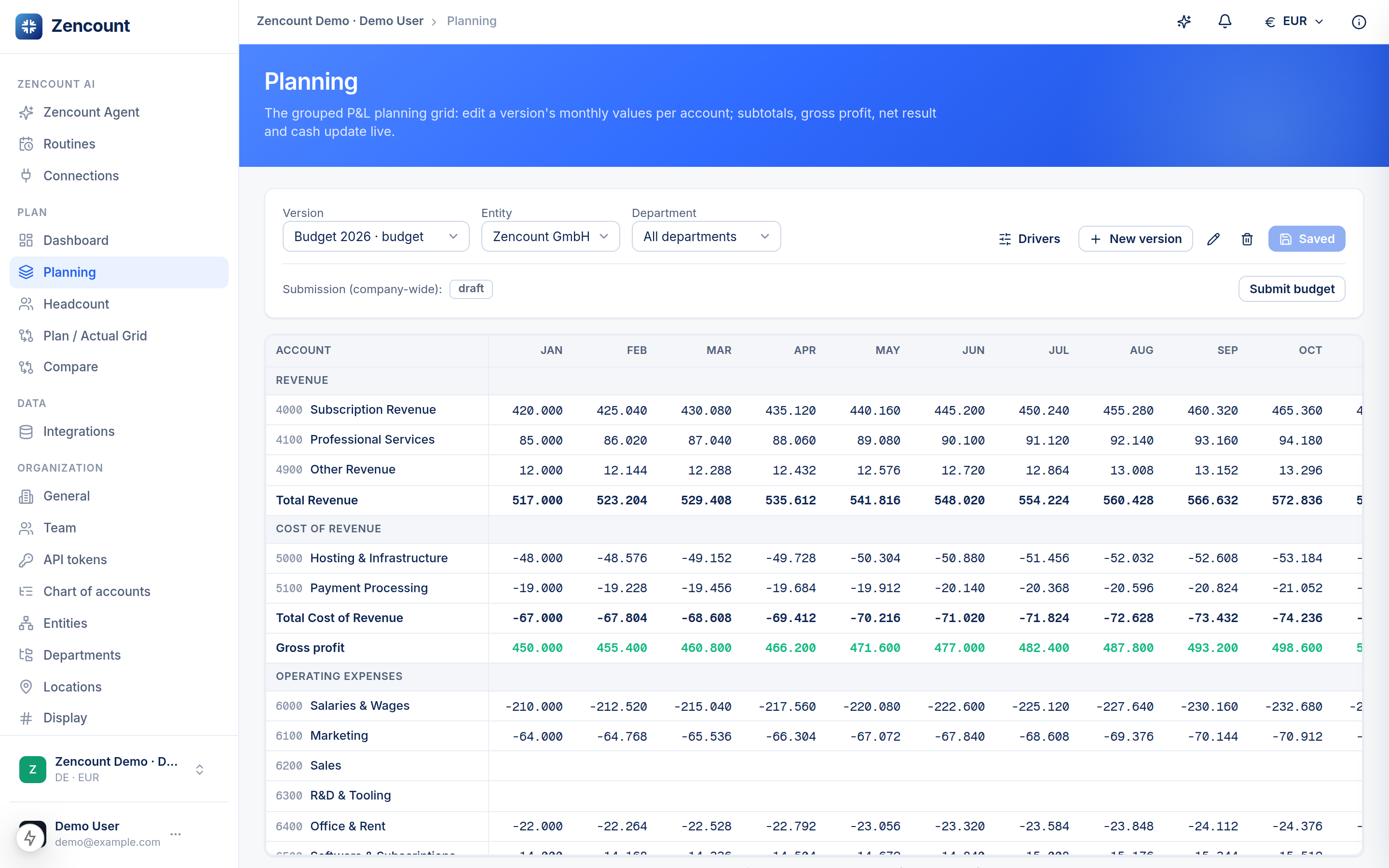
The planning grid is the P&L you already think in — grouped and editable. Open Planning from the sidebar, pick a version, and type.
How it’s grouped
Rows roll up into the four blocks of a P&L, with subtotals computed for you:
- Revenue → Cost of Revenue → Gross profit
- OpEx → Operating result
- Tax & Financing → Net result, then end-of-month cash.
Editing
- Click a cell and type — costs are entered as negative amounts.
- Fill across a row for the year; edits are batched.
- Save commits the whole batch at once.
Don’t want to type every month? Use drivers to express a row as a formula (e.g. a % of revenue, or headcount-based payroll) and let Zencount expand it.
Next steps
- The matrix grid for month-by-month variance.
- Compare two versions.