Your plan is most useful next to reality. Connect a data source and your real figures flow into the Actual version, ready to compare against any plan.
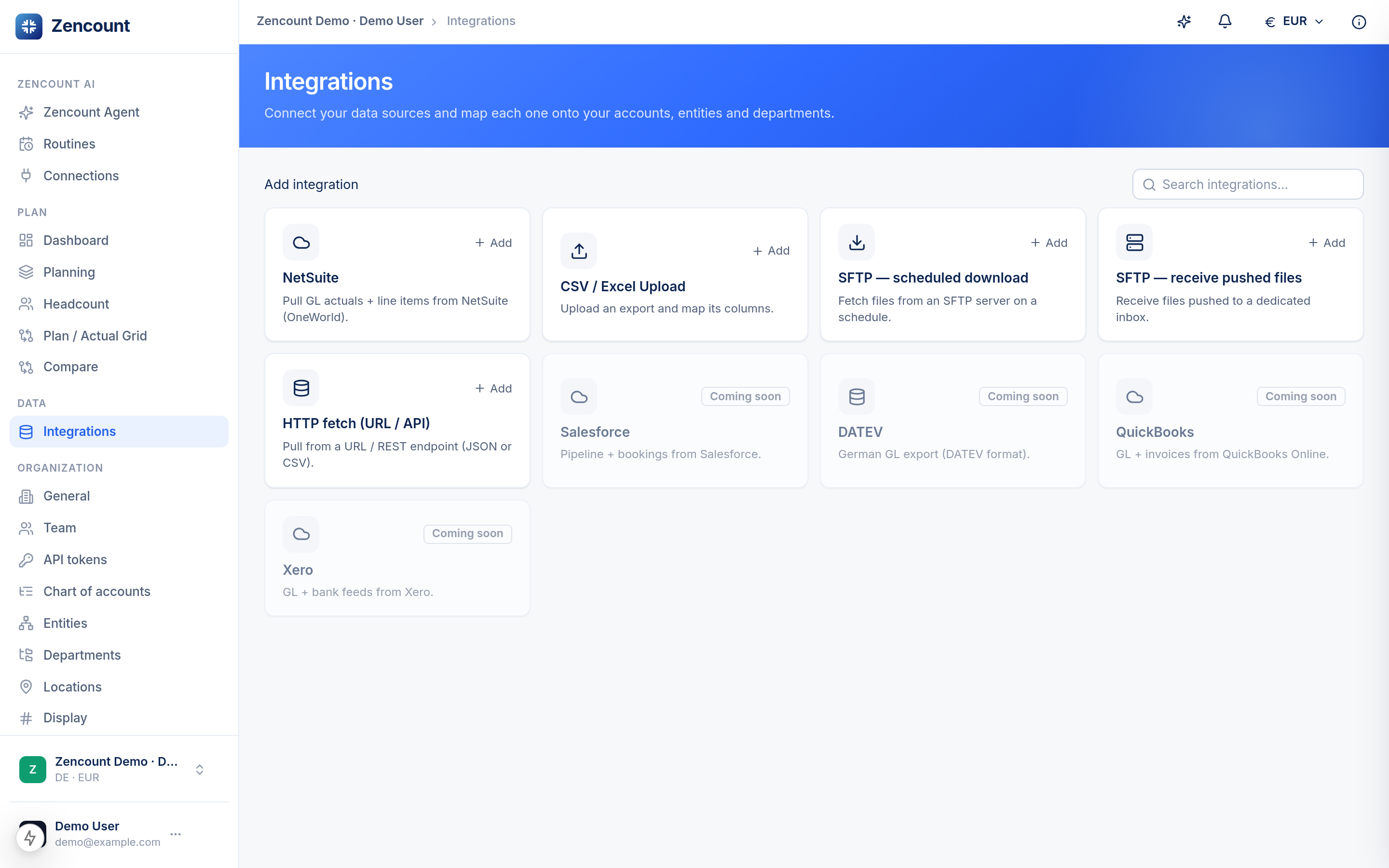
Connect one
- Open Integrations from the sidebar.
- Choose a source (accounting, HR or another data system) and follow the connect flow.
- Map its accounts to your chart of accounts so figures land in the right rows.
Credentials are encrypted at rest, and a connected source only ever writes into your workspace — isolated from every other organization.
What lands
Imported figures arrive as line items on your Actual version, so every aggregate stays traceable to the source document — see the matrix grid.
Next steps
- Chart of accounts to set up your mapping targets.
- Compare Actual against your plan.